

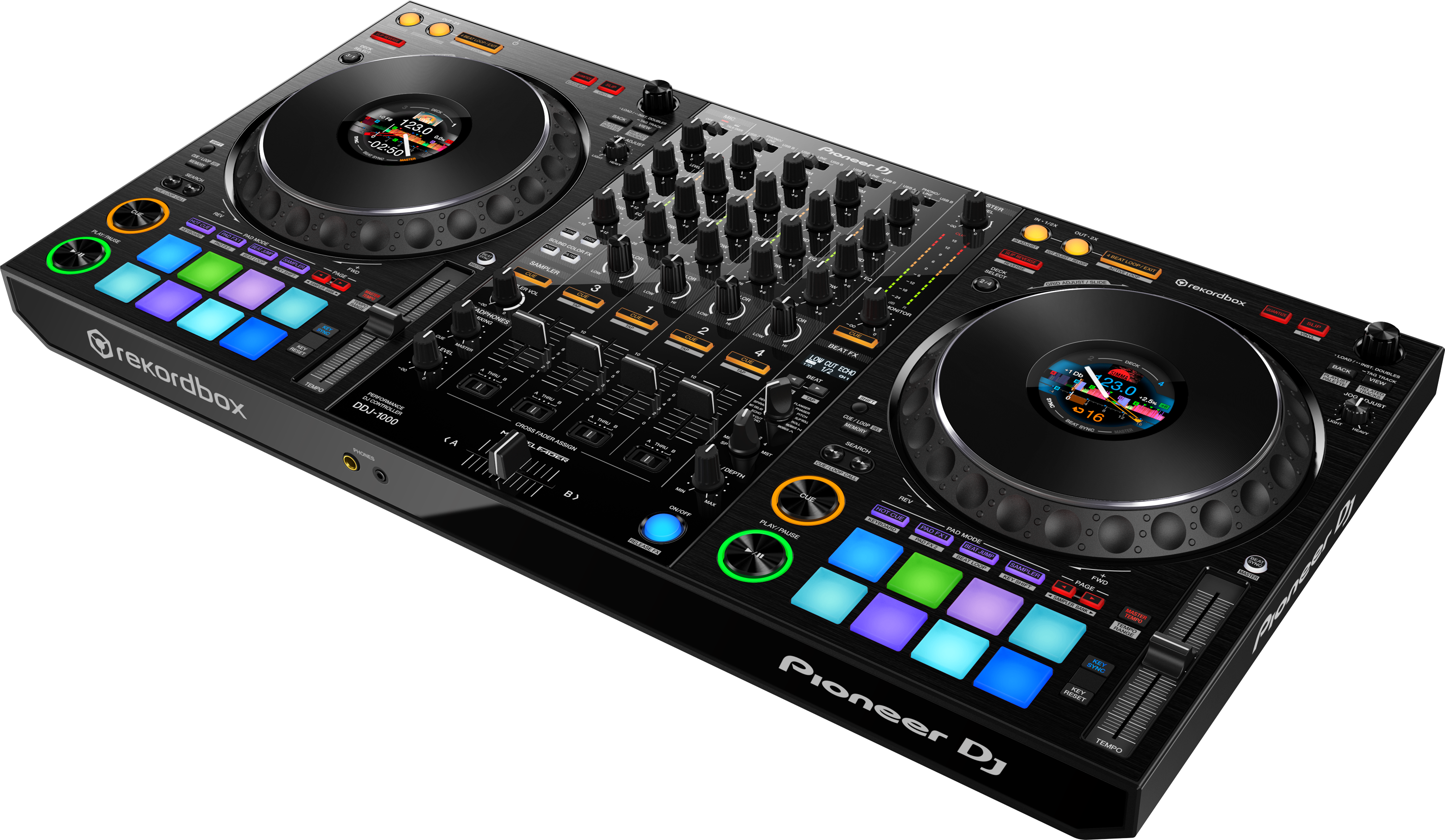
Pioneer DDJ Controllers
Now Playing 2 works with Pioneer DJ controllers using Rekordbox.
Performance Mode + Rekordbox
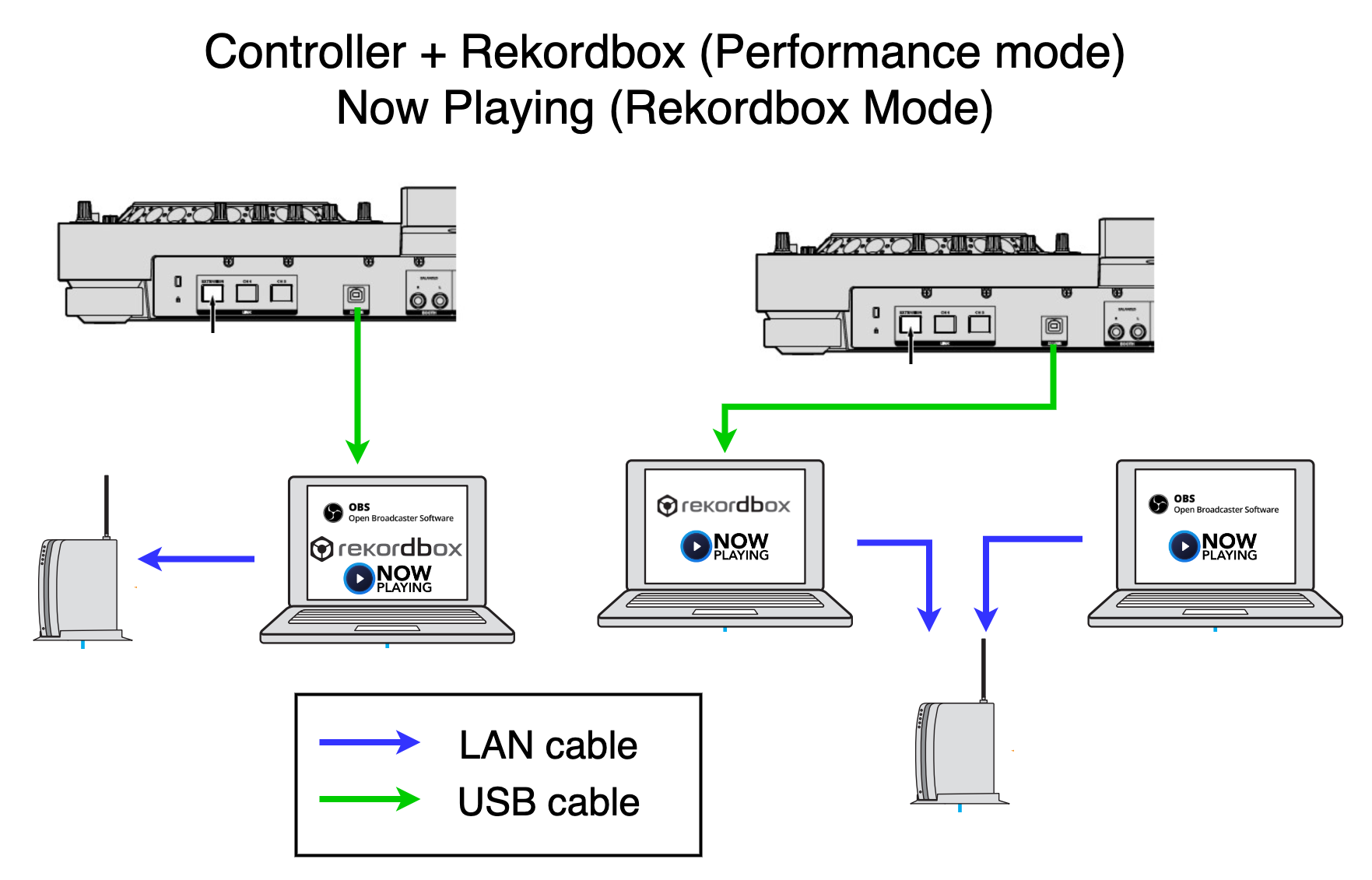
Connect your controller to your Rekordbox computer using a USB cable. Install Now Playing on your Rekordbox computer. Connect your Rekordbox computer to your router.
If you're using a separate computer for streaming, install Now Playing on it too and connect that to your router.
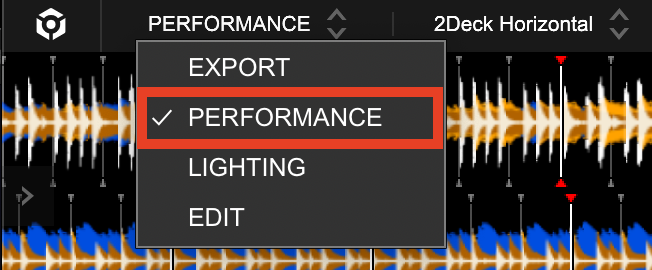
Start Rekordbox in Performance mode.
Start Now Playing.
Changing Track Update Timing
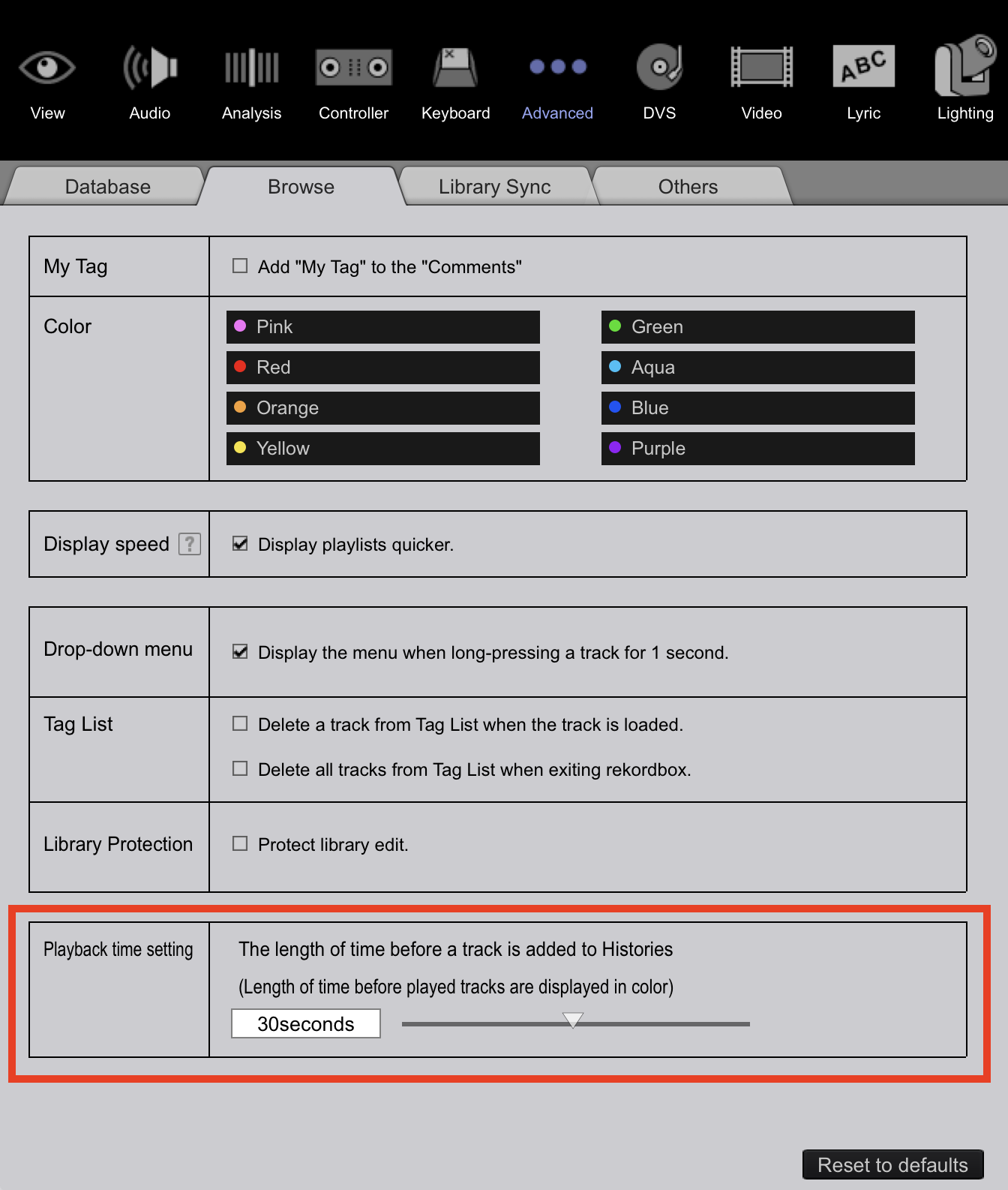
By default Rekordbox will send Now Playing updates after you play a song for 60 seconds. To change this go to Preferences > Advanced > Browse, then change the Playback time setting.
Note: You must upgrade to Rekordbox 6.6.8 or higher for this setting
Note: Now Playing's internal fastest update is 10 seconds. Meaning setting Rekordbox to less than 10 seconds won't make it any faster than 10 seconds.
Adding Graphics To Your Stream